
Migrating to Microsoft Dynamics 365: What You Need to Know
💼 Strategic Business Transformation
Migrating to Microsoft Dynamics 365 represents more than a software upgrade—it's a strategic business transformation. This comprehensive cloud platform offers integrated CRM and ERP capabilities, enabling organizations to streamline operations, enhance customer relationships, and drive data-driven decision making.
Dynamics 365 unifies financial, operational, and customer-facing functions into a single, intelligent platform. The journey from legacy systems to cloud-based solutions requires careful planning, but the transformation pays substantial dividends.
When Should You Migrate?
Common Migration Triggers: Organizations should consider Dynamics 365 migration when facing outdated or unsupported systems, data silos preventing integration, manual processes constraining operations, or the need for flexible, scalable cloud infrastructure.
Business expansion exceeding current system capacity, regulatory compliance challenges, or difficulty maintaining on-premises infrastructure are clear signals that cloud migration is strategically necessary.

✨ Platform Advantages
Modular Architecture: Choose only the applications you need—Finance, Sales, Customer Service, Supply Chain, or Human Resources—and expand as your business grows.
Automatic Cloud Updates: Receive quarterly feature enhancements and security updates without disruptive maintenance windows. Seamless Microsoft 365 integration connects Outlook, Excel, and Teams for enhanced productivity.
Enhanced customer engagement tools and operational visibility drive competitive advantage and support scalable growth.

Understanding Migration Challenges
Data Handling: Reformatting legacy data while eliminating duplicates requires comprehensive audit and validation strategies to ensure accuracy.
User Adoption & Integration Complexity: Staff must learn new interfaces, and third-party applications require coordination.
Addressing these challenges through comprehensive pre-migration assessments, phased rollouts, and expert guidance ensures smooth transitions.

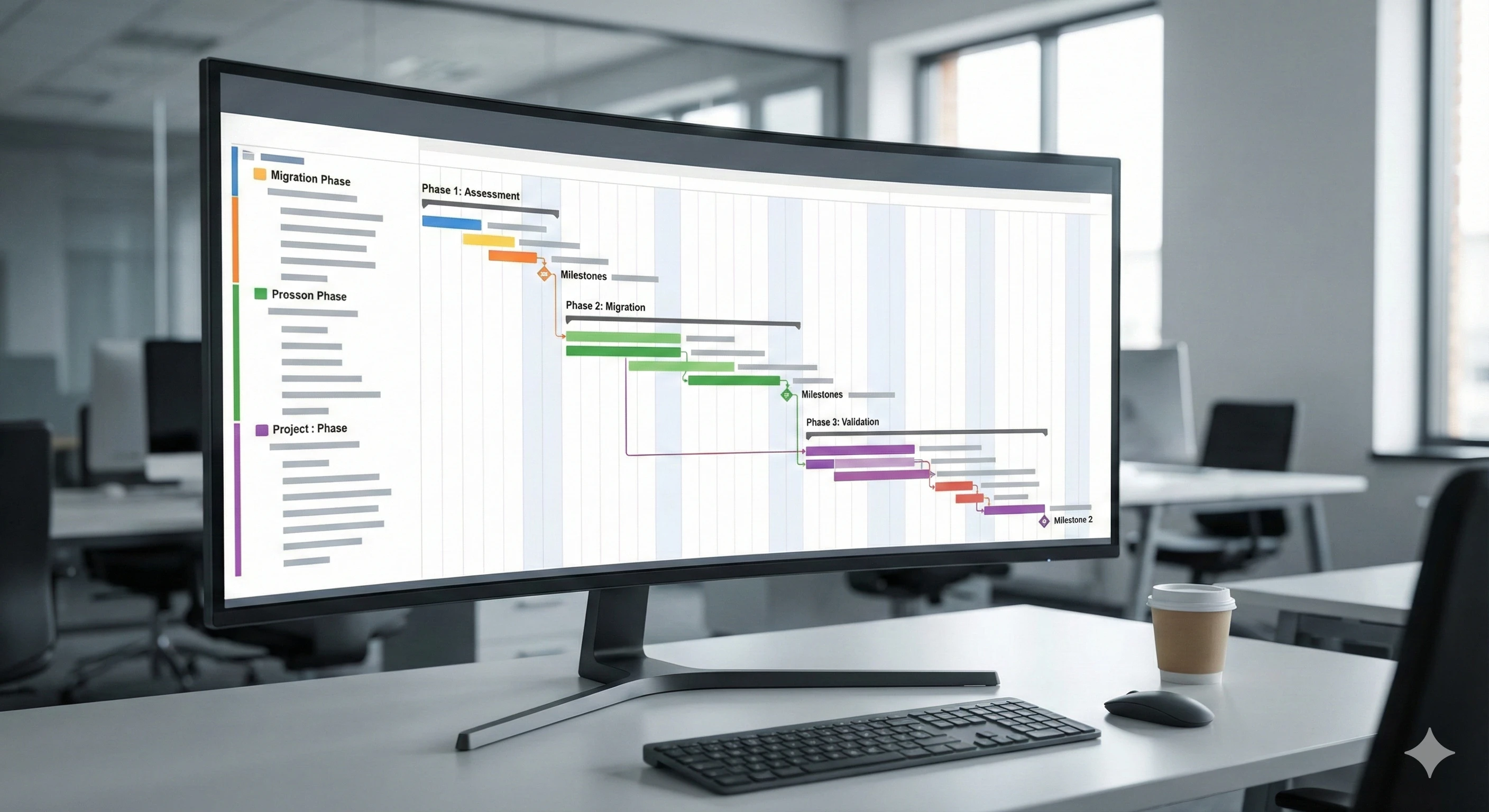
📊 Seven Phases of Successful Migration
1. Discovery & Planning
Align business objectives with Dynamics 365 capabilities. Identify current workflows, user roles, integration points.
2. Assessment
Evaluate data retention requirements and workflow mapping. Assess current system functionality and identify gaps.
3. Data Migration
Clean and validate data transfers in sandbox environments. Test migration scripts and perform validation cycles.
4. Configuration
Minimize custom development and leverage Power Platform tools. Configure modules to match business processes.
5. Integration
Connect CRM, e-commerce, HR, and finance systems. Establish API connections with third-party applications.
6. Training & Go-Live
Develop role-based training programs. Execute phased deployment with ongoing post-launch support.
💡 Best Practices for Success
1. Implement Module-by-Module or Phased Rollouts: Avoid disruptive big-bang migrations. Begin with non-critical modules, learn from pilot experience.
2. Maximize Out-of-the-Box Functionality: Before customizing, explore Dynamics 365's native capabilities.
3. Maintain Stakeholder Communication: Keep business leaders, IT staff, and end users informed throughout the migration journey.
4. Partner with Experienced Dynamics 365 Consultants: Expert consultants bring proven methodologies and deep platform knowledge.